I've been filming my own practice for 20 years now..
I love dancing with headphones, but the process to get a usable video was a pain.
This is the guide I wish I had then.
Table of contents
- Why this is harder than it looks
- Method 1: the dual-device setup
- Method 2: a dance recording app
- Headphone and gear tips
- FAQ
To record dance videos with headphones, you need a way to get the music onto the video and sync it to the timing of your movement.
Theres 2 ways to do this:
- A dual-device setup, where one device plays music and another films
- A dance recording app that both plays the song in your headphones and syncs it onto the video automatically.
In this article I'll show you how each one works.
Why this is harder than it looks
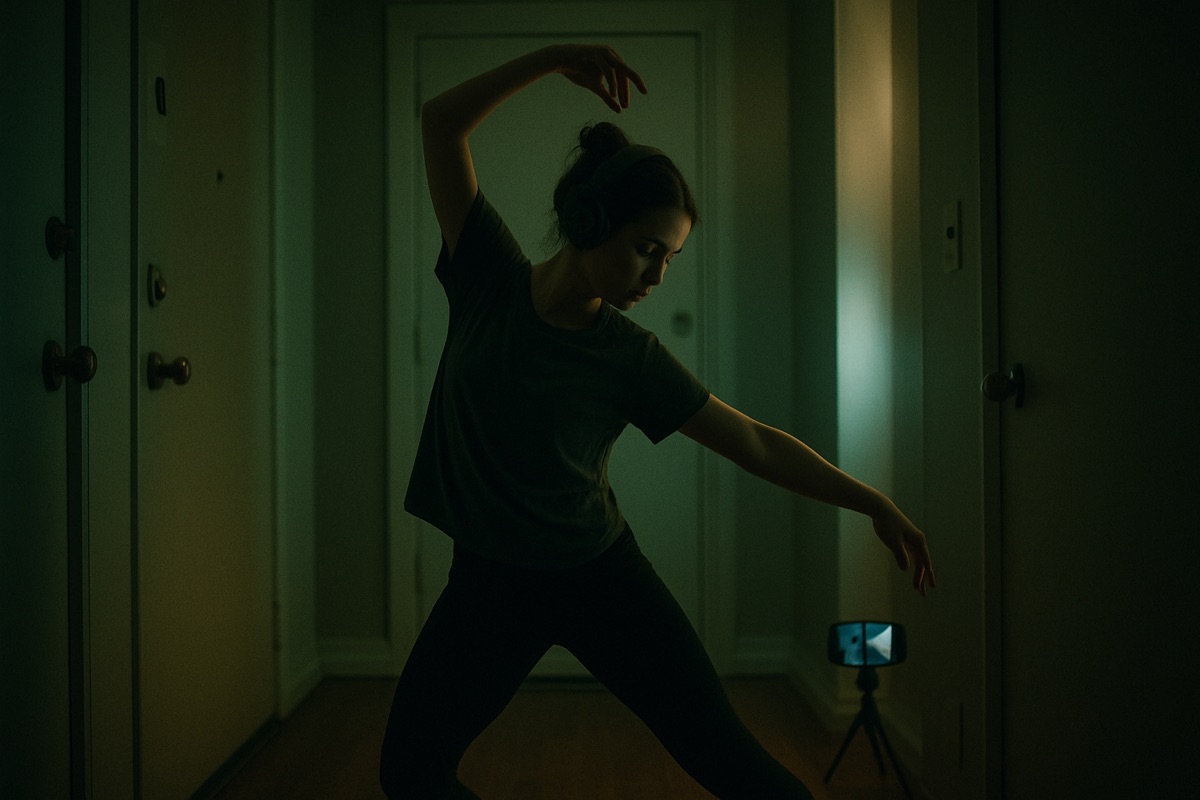
If you try to record a dance video with headphones, yes you'll be fully immersed in your music.. but you'll run into several problems.
- You can't hear the music on your video
- You need to remember which track you used during recording and your musicality. This is difficult because if you're freestyling, it's nearly impossible to remember the beats you were hitting when you're in the zone.
- You can use a speaker instead, but you don't want to blast it too loud and bother your surroundings (especially if your introverted like me)
- If you use tiktok or instagram, the music doesn't match your movement. You're also stuck with music only available on instagram or tiktok, with a 30-60 second time limit
A big part of why this is so finicky is Bluetooth latency.
Bluetooth earbuds and speakers add a small delay between when the sound plays and when you actually hear it, so even when the music does make it onto your video, it drifts off from your movement and your timing feels off.
I can't tell you how many times I've heard other movers say:
"I have hundreds of rounds in my camera roll but I never do anything with them cause I have to edit the music"..
Myself included.
So let's fix that.
There are 2 setups that actually solve this, one with no app and one with a single app.
Here's how each works.
Method 1: the dual-device setup
This is the no-app way, and it requires zero editing.
- Use an old phone or MP3 player just to play your music through your headphones.
- Use your main phone to film you and capture the room sound.
- Dance the whole take immersed in the track.
Because you are moving to the real song the whole time, there is nothing to sync afterward.
The trade-off: the audio on your video is room sound, not the clean track, so it is fine for personal review but rough for posting.
And you are juggling two devices every time you reset a round.
Good for a quick study clip, but clunky for footage you want to share or keep.
Method 2: a dance recording app
I looked everywhere for an app that let simply let you dance with headphones..
But it just didn't exist..
So I decided to built it myself.
I spent the past 18 months figuring out how to code and build my own tool to solve the bluetooth latency problem.
Here's how it works:
- Add your song file in the app
- Put on your headphones
- Choose your start point of the song
- Press record and dance
- Stop recording
- Open the refine tool and adjust the music to match your movement once.
- The tool will overlay the song on the video and sync the music with your movement.
What you heard is what you see.
You get clean, synced audio and you go straight from the round to posting.
Headphone and gear tips
Now that you have an app to handle the music-sync problem, what gear do you use?
You don't need a fancy camera to make good dance videos.
Most dancers think you need an expensive camera, lights, and production sets to make something high quality.
I've been dancing for 20 years and making films almost as long. Commercials, social media, documentaries, events, daily vlogs.
I've used big expensive cameras, lenses, and lighting worth thousands of dollars..
But I rarely ever use them.
Why?
Because they're big, bulky, take too much time to setup, and scare people in normal situations where I just want to put up the camera and dance.
They're also a good way to quickly get kicked out of locations I want to film at.
Your smartphone camera is more than enough.
All you need from there is some cheap lighting and a bit of skill to get a good image.
Some of these are affiliate links, so if you buy through them I may earn a small commission at no extra cost to you.
This vid was filmed with:
- $19 selfie tripod
- $40 photo reflector
- $13 invisible headphones from TikTok shop (the Miniso ones, they barely show up on camera)
- My old iPhone 12 Pro Max, plus CyphrCam
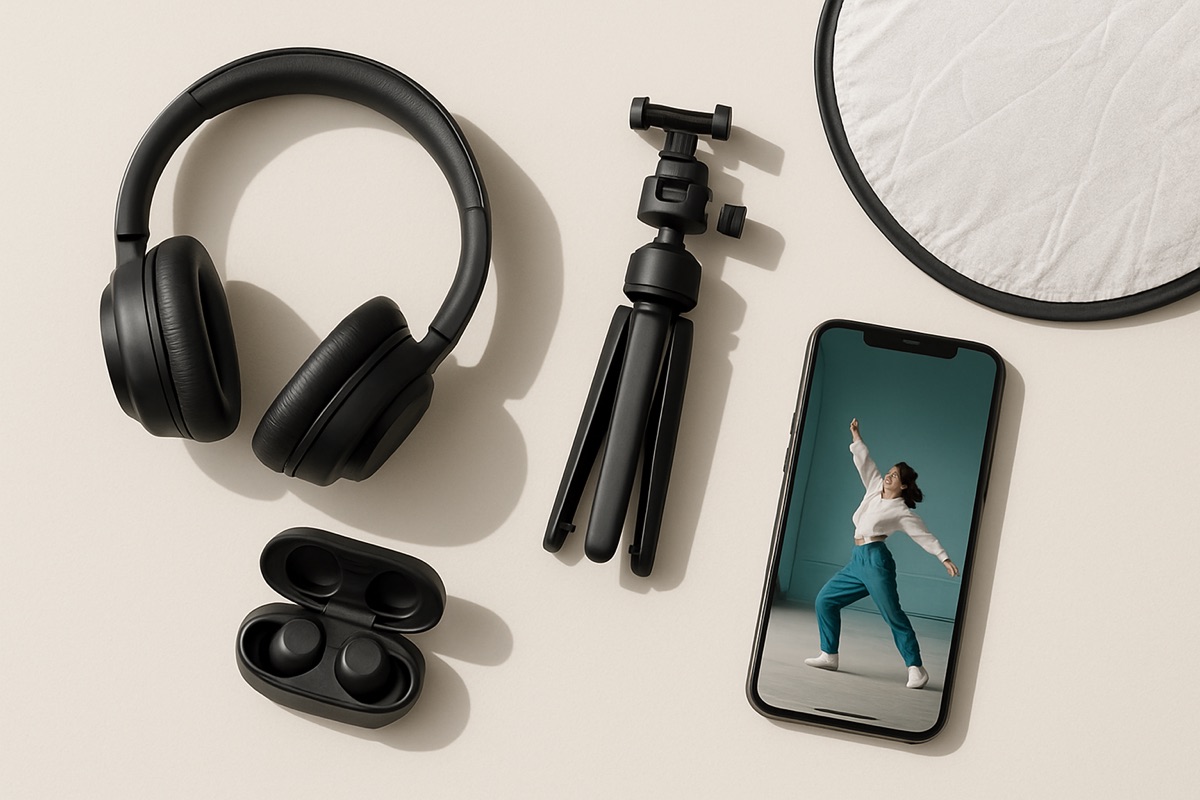
For the headphones I dance in, I use the Sony WH-1000XM4. AirPods or the Nothing earbuds work too if you want something cheaper.
Sometimes it's not about the size of your gear. It's about the gear you actually pick up and use.
Key takeaways
- The camera mic never hears your headphones, which is the root of the problem.
- Dual-device removes editing but leaves you with room audio and extra gear.
- A dance recording app syncs the real track onto the video for clean, no-edit footage.
- A recording app like CyphrCam fixes Bluetooth sync with a one-time calibration.
FAQ
What is the best way to record yourself dancing with headphones?
A dance recording app that plays the track to your headphones and syncs it onto the video. It gives you clean, synced audio without a second device or editing.
Can I record a dance video with AirPods in?
Yes. Use an app that adds the track to the recording, and calibrate once for the Bluetooth delay so the music stays locked to your movement.
How do I get the music onto my dance video without editing?
Either play it out loud from a second device while you film, or use an app that lays the real track onto the video automatically. The app route keeps the audio clean.
Why is my dance video silent when I wear headphones?
The music is in your ears, not the room, so the camera mic records nothing. You need an app or a second device to get the track onto the video.
The headphones should open spaces up, not close your footage off. Get the music onto the video the easy way and every place you can stand becomes the floor.
Try it: CyphrCam on the App Store films you with headphones in and syncs your track onto the video. No editing.
The Cyphr Journal
Join the Cyphr Journal
Tips, resources, and personal stories I don't share anywhere else.
No spam. Unsubscribe anytime.